API Testing
Test the APIs exposed by the backend SDK.
The following guide goes over the process of testing backend APIs with Postman. These APIs are automatically exposed via the backend SDK (/auth/* path).
1. Sign up
The /auth/signinup API requires the redirectURI, thirdPartyId, and code attributes to appear as a JSON object in the request body.
-
redirectURI: It is the link that redirects the user after authentication. For example, for sign in with Google, the value of this is{websiteDomain}/auth/callback/google. -
thirdPartyId: The id used to identify the provider. For example, if Google is a ThirdParty provider, itsthirdPartyIdisgoogle. -
code: The auth code that the third party provider sends when they call theredirectURI(post auth from their UI). -
On a successful response, a new user session creates session tokens set in the response, and the response body contains the
userobject, thecreatedNewUser, andstatusvalues as JSON data. -
The following session tokens appear:
sAccessTokensRefreshToken
-
More information about these cookies is available in the session management security documentation.
2. Session verification
-
You can also test APIs that require the user to log in.
-
For example, there is an API used to query user data with the
verifySessionmiddleware as shown below.
import express from "express";
import { verifySession } from "supertokens-node/recipe/session/framework/express";

let app = express();

// The following code snippet is an example API. You do not need to
// implement it in your app

app.post("/change-user-data", verifySession(), async (req, res) => {
  let userId = req.session.getUserId();
  // mutate some user data
  res.send({
    userId,
  });
});
import (
"encoding/json"
"net/http"
"github.com/supertokens/supertokens-golang/recipe/session"
"github.com/supertokens/supertokens-golang/supertokens"
)
// The following code snippet is an example API. You do not need to
// implement it in your app
func main() {
http.ListenAndServe(":3001", supertokens.Middleware(http.HandlerFunc(func(rw http.ResponseWriter, r *http.Request) {
// Handle your APIs..
if r.URL.Path == "/change-user-data" {
session.VerifySession(nil, func(w http.ResponseWriter, r *http.Request) {
sessionContainer := session.GetSessionFromRequestContext(r.Context())
w.WriteHeader(200)
w.Header().Add("content-type", "application/json")
bytes, err := json.Marshal(map[string]interface{}{
"userId": sessionContainer.GetUserID(),
})
if err != nil {
w.WriteHeader(500)
w.Write([]byte("error in converting to json"))
} else {
w.Write(bytes)
}
}).ServeHTTP(rw, r)
return
}
})))
}# The following code snippet is an example API (fastapi). You do not need to
# implement it in your app
from supertokens_python.recipe.session.framework.fastapi import verify_session
from supertokens_python.recipe.session import SessionContainer
from fastapi import Depends, FastAPI
app = FastAPI()
@app.post('/change-user-data')
async def change_user_data(session: SessionContainer = Depends(verify_session())):
user_id = session.get_user_id()
# Mutate some user data.
return {"userId": user_id}- In Postman, set the request type to
POST. - Set the URL to
http://localhost:3001/change-user-data - If you have the
antiCsrfattribute set toVIA_TOKENin your backend SuperTokens configuration, then in the Postman Header tab, set a key asanti-csrfand value as theanti-csrftoken retrieved from the login response. - On a successful response, the response body contains user data.
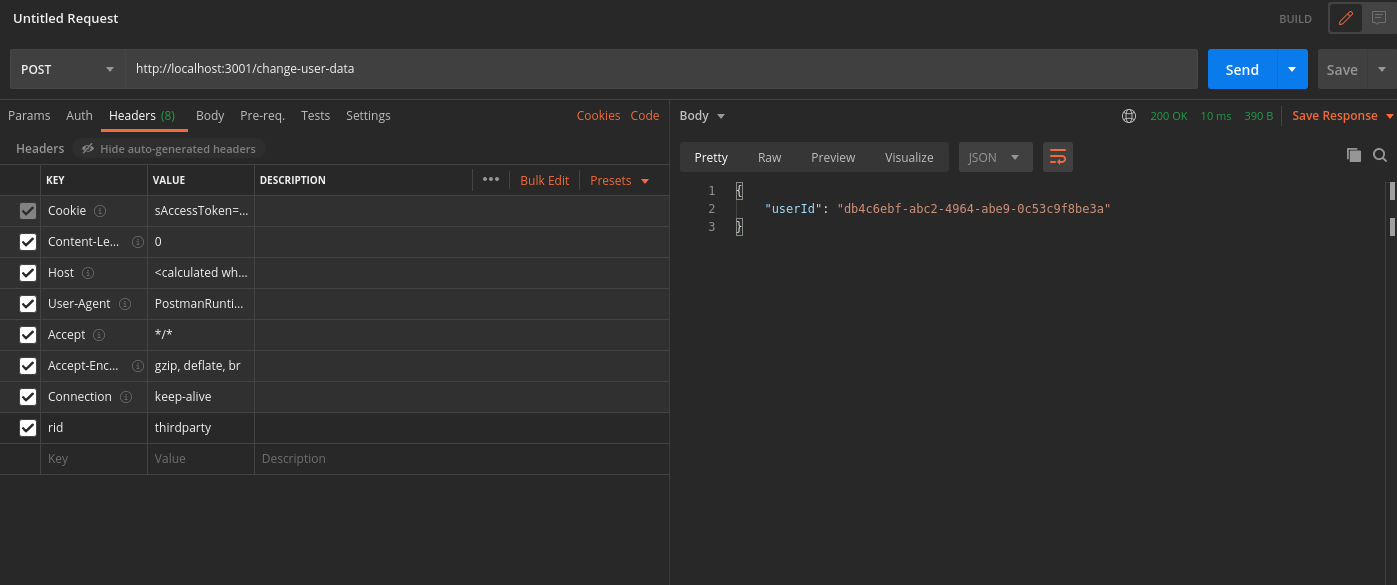
In case you query the /change-user-data API with an expired access token, you receive a 401 response with the message try refresh token.
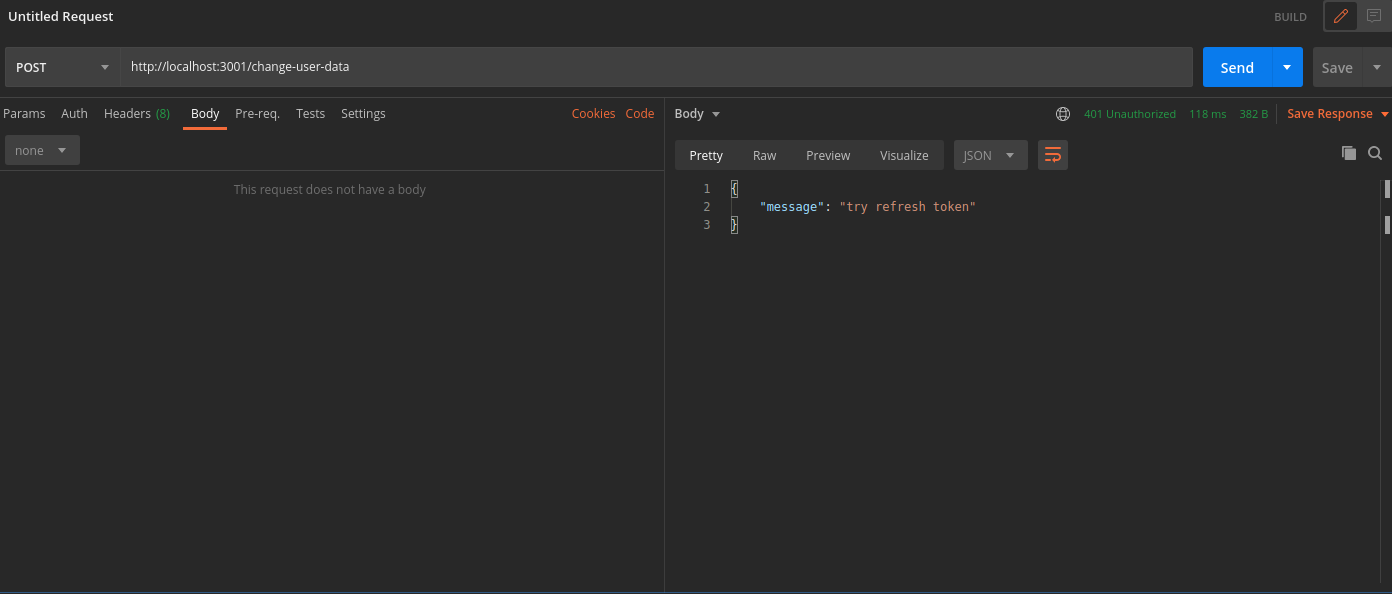
To generate new session tokens you can use the /auth/session/refresh API as shown in the next section.
3. Refreshing session tokens
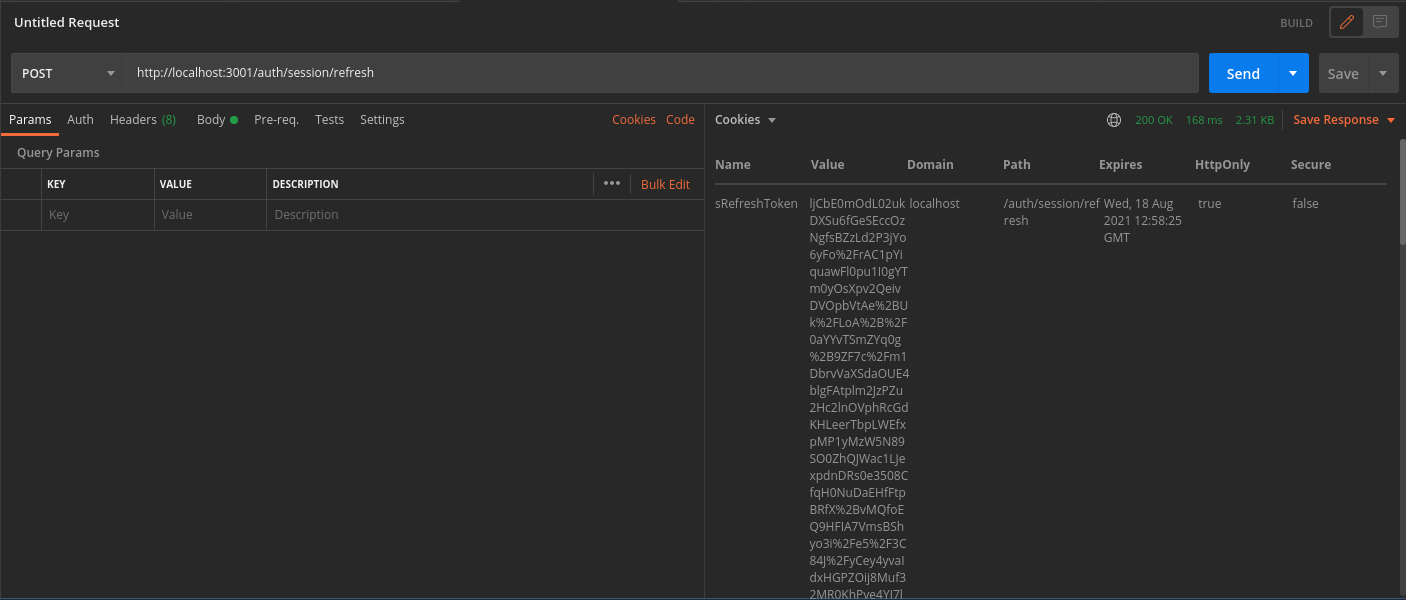
In case your access token expires you can call the /auth/session/refresh API to generate a new access token and refresh token.
- In Postman, set the request type to
POST. - Set the URL to
http://localhost:3001/auth/session/refresh - On a successful response, the system sets new session tokens.
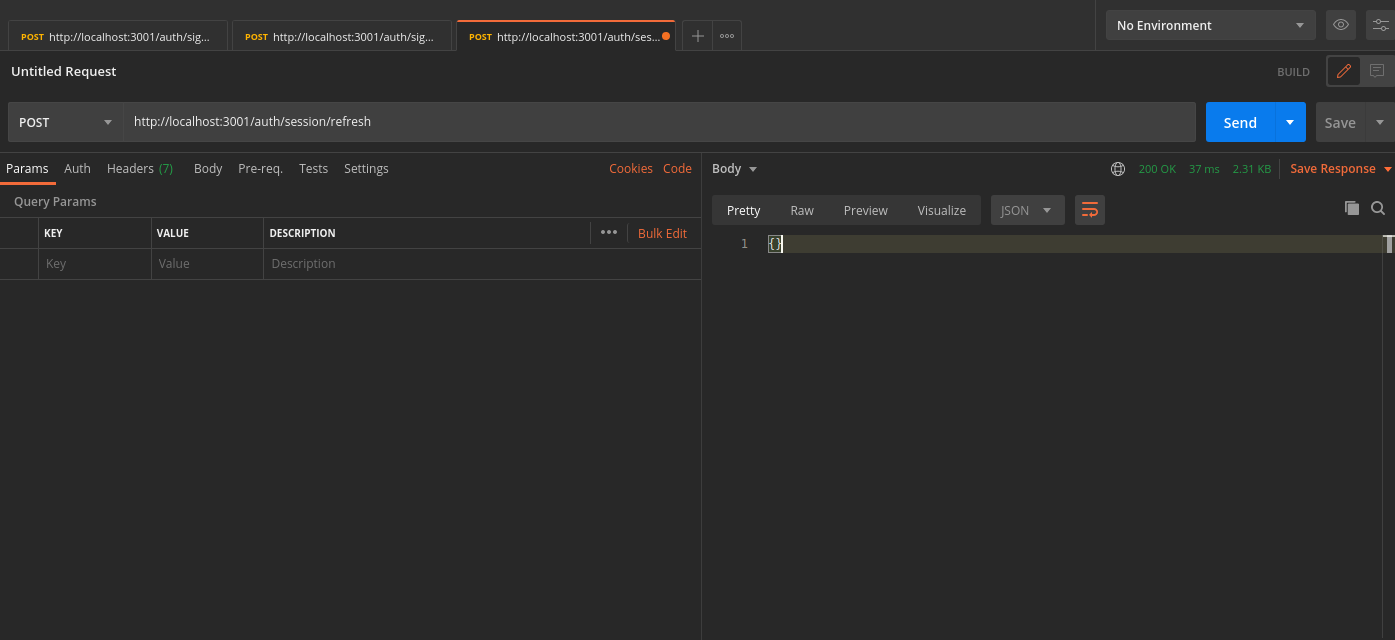
You can see the new session tokens by switching to the cookies tab
4. Logout
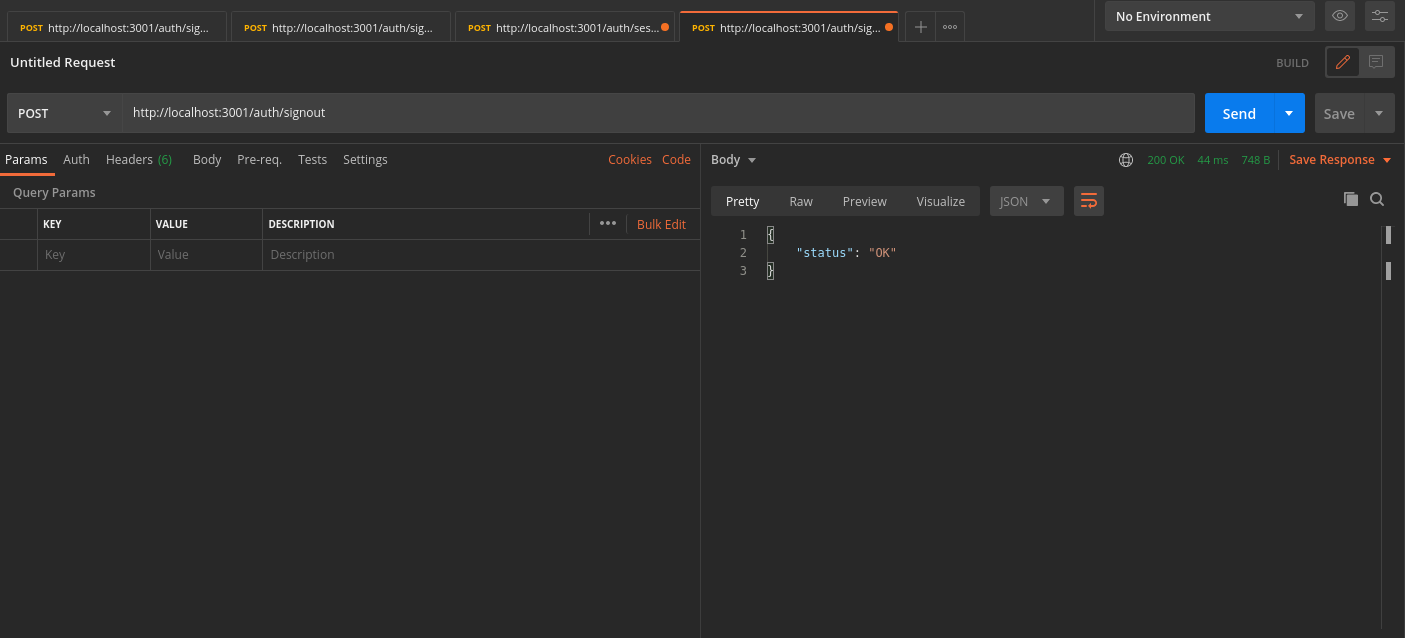
The /auth/signout API invalidates the user sessions. This clears the session cookies set in Postman.
- In Postman, set the request type to
POST. - Set the URL to
http://localhost:3001/auth/signout - On a successful response, Postman and the database clear the session tokens.